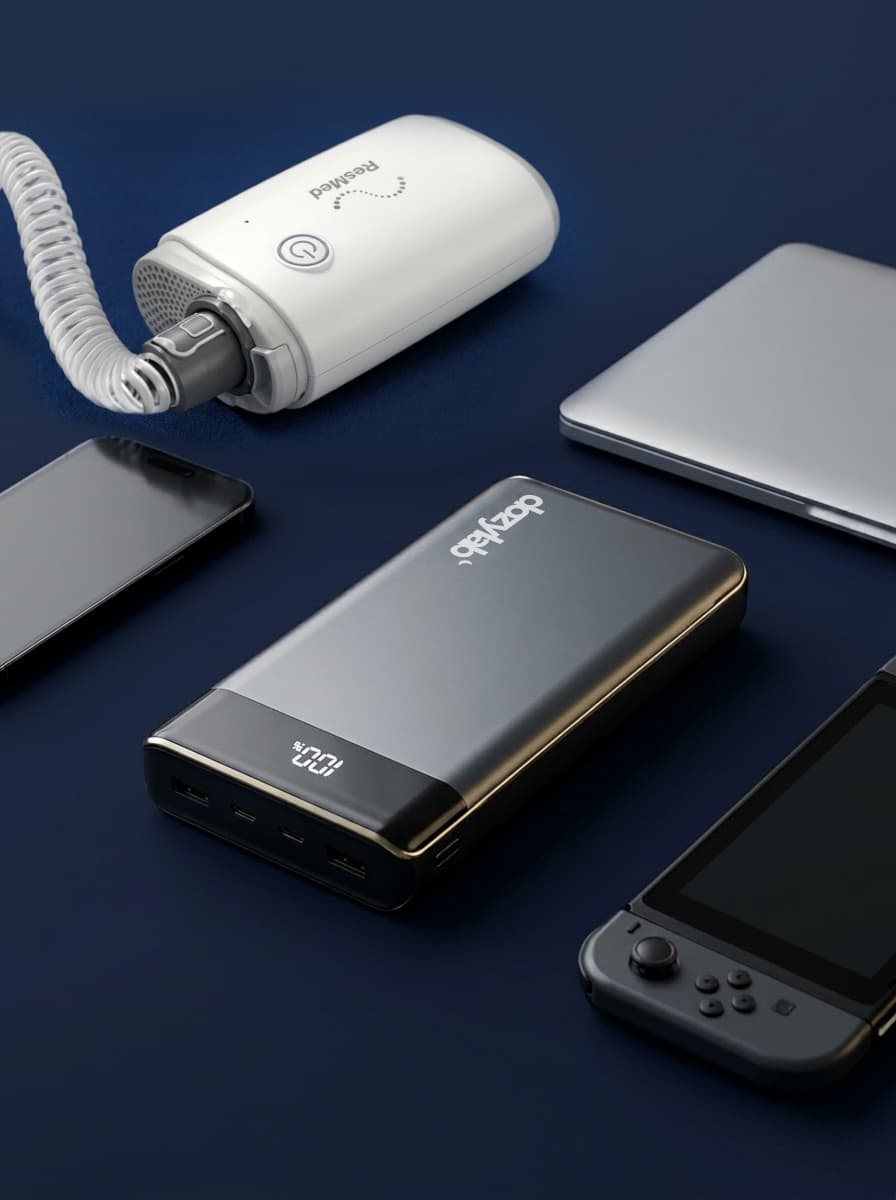
One of the most common questions CPAP travellers ask is: "Can I use a USB-C power bank with my ResMed AirSense 11?" The answer is yes — but only if the power bank meets a specific technical requirement that a surprising number of products don't.
This guide explains exactly what to look for, how to calculate your battery runtime, and how to get the most out of your setup.
Why the AirSense 11 Needs USB-C Power Delivery at 20V
The ResMed AirSense 11 runs on 24V internally. When you power it from a USB-C source using a compatible cable (like the Dozylab USB-C Travel Cable), the cable contains a built-in chip that steps up the voltage from the power bank's output to what the machine needs.
For this to work, the power bank must be able to output 20V via USB-C Power Delivery (PD). Standard USB-C chargers and power banks output 5V, 9V or 12V — none of which are sufficient. You specifically need a power bank that supports the 20V/3.25A (65W) PD profile.
If you connect a power bank that doesn't output 20V PD, the cable won't be able to step up the voltage correctly, and your CPAP simply won't run. This is the most common cause of "my cable isn't working" reports — the power bank is incompatible, not the cable.
How to Read the Spec Label
On the back or side of any power bank, you'll find an output specification table. Look for a USB-C output line that includes something like:
- 5V/3A, 9V/3A, 12V/3A, 15V/3A, 20V/3.25A — this is what you want. The 20V/3.25A line means it supports 65W PD and will work.
- 5V/3A, 9V/2A, 12V/1.5A — this power bank tops out at 12V and won't work with your AirSense 11.
If the spec label doesn't show a 20V row, assume it won't work. Don't rely on marketing claims like "fast charging" or "65W" without checking that the 20V PD profile is specifically listed.
How to Calculate Your Battery Runtime
Power bank capacity is measured in watt-hours (Wh). The AirSense 11's power draw varies depending on your therapy settings:
- Without humidifier, no heated tube: approximately 20–30W
- With humidifier at moderate setting: approximately 35–50W
- With humidifier at maximum + heated tube: approximately 55–70W
To estimate runtime: divide the power bank's Wh capacity by your machine's approximate wattage. Allow for around 15–20% conversion loss from the power bank circuitry.
For example: a 100Wh power bank with your AirSense 11 running at 30W (no humidifier) gives you roughly 100 ÷ 30 × 0.85 = about 2.8 hours. For an 8-hour night, you'd need a 280Wh battery at minimum — or turn off the humidifier and get closer to a full night from a 200Wh power bank.
The Single Biggest Thing You Can Do to Extend Battery Life
Turn off the humidifier. It's the largest power consumer in your machine — sometimes drawing more watts than the motor itself. Most CPAP users find they can sleep comfortably without it, especially in cooler climates or with a HumidX pass-through filter (for AirMini users). If you do need some humidity, dial it down to the lowest effective setting rather than turning it off entirely.
Turning off the humidifier can reduce power consumption by 30–50%, which can be the difference between a power bank that lasts one night and one that lasts two.
What About Airline Rules?
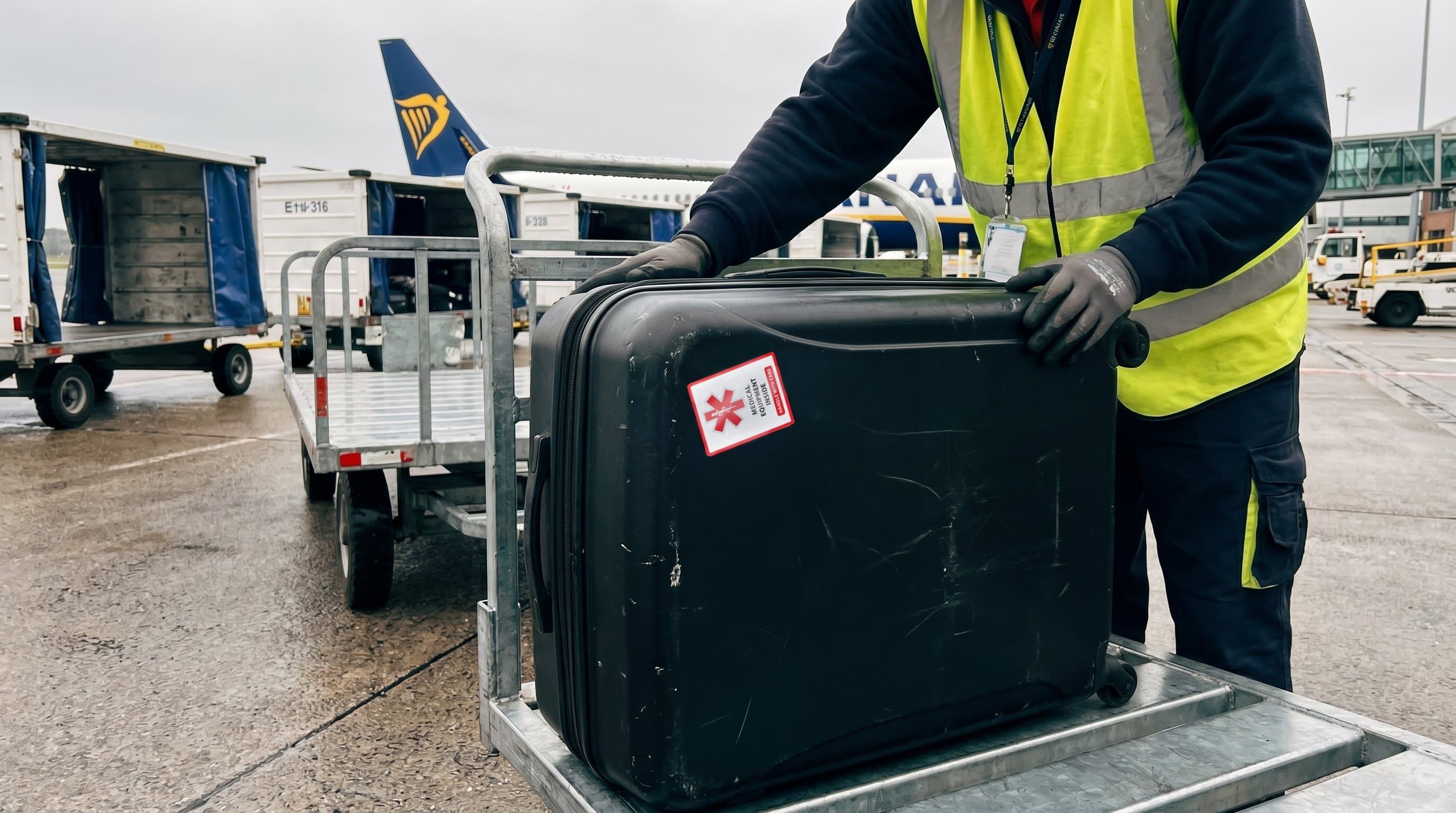
Airlines restrict carry-on power banks by capacity. The standard rule (and the CASA rule for Australian airlines) is:
- Up to 100Wh: permitted without approval
- 100–160Wh: permitted with airline approval (contact your airline in advance)
- Above 160Wh: generally not permitted in either cabin or hold
This means if you want to fly with your power bank, you're effectively limited to 160Wh — which, without a humidifier, should get you through most night's therapy on a single charge, or give you a solid 4–5 hours with the humidifier running.
Putting It Together
A practical travel setup for the AirSense 11 looks like this: a power bank with 100–160Wh capacity and confirmed 20V/3.25A PD output, paired with the Dozylab USB-C Travel Cable. Turn off the humidifier or dial it down, and you'll typically make it through the night — or have a compact backup for when the hotel outlet is inconveniently placed.
If you want to know exactly how much power your specific machine uses at your pressure settings, our CPAP Power Calculator can help you work out the numbers before you buy.